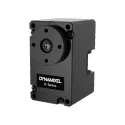
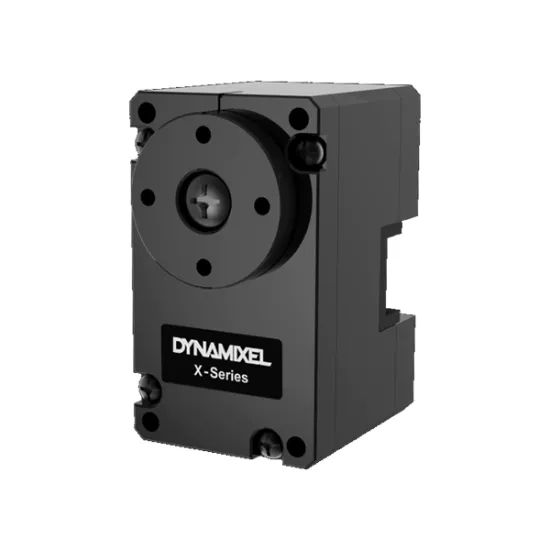
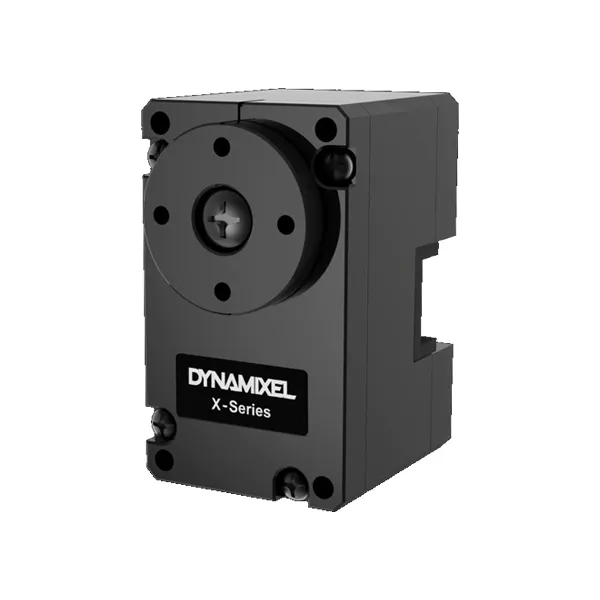
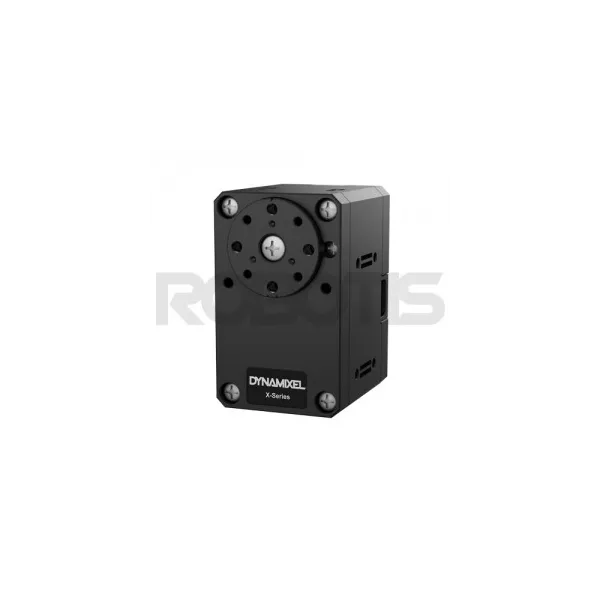
This compact, lightweight, energy-efficient version of the professional Dynamixel servos offers a full range of controls combined with a high resolution.
With its XL330-M077-T model (and its XL330-M288-T analogue), Robotis has adapted its 100% programmable all-in-one servo model for a much lighter range, in terms of price, energy consumption and weight.
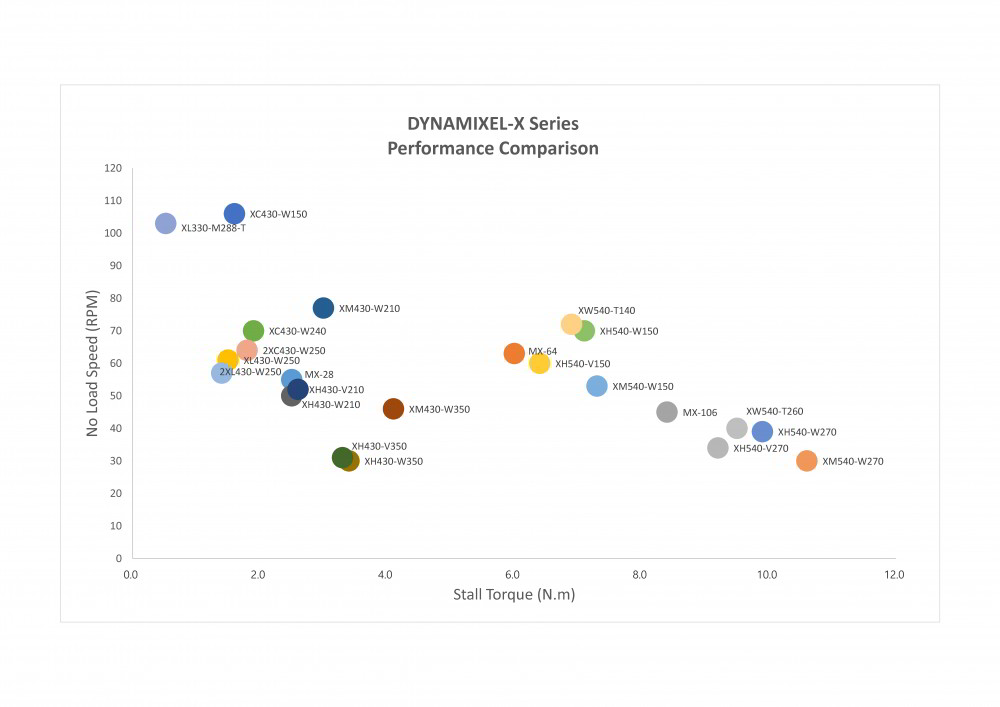
The Dynamixel XL330-M077-T servo motor is a highly compact version of the famous XH and XM series. It’s ideal for small projects and confined space applications.
It can also equip small remote-controlled cars since it supports the RC protocol. Offering a particularly high no-load speed (up to 363 rpm) and high resolution, it allows tight high-speed manoeuvres, thanks in particular to its various operating modes which include PWM control.
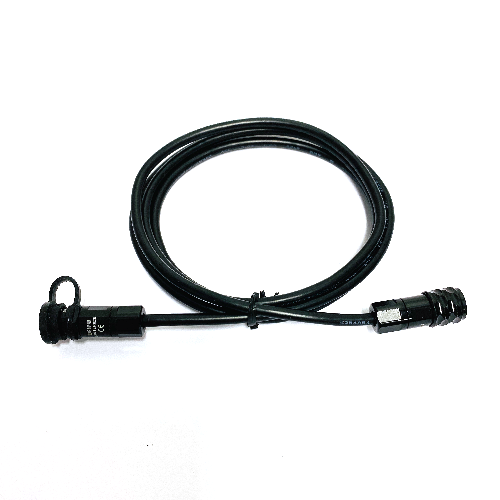
Includes:
Technical characteristics:
Use these free online resources to learn everything you need to know about your Dynamixel XL330-M077-T servo motor.
Check that your Dynamixel servomotor is correctly configured. Do not hesitate to re-flash it with the ROBOTIS Software Roboplus. After re-flash remember to re-configure it. If the issue is not solved, contact us for an advanced support.
The motor is probably not well mounted. Check that you correctly mounted the horns by respecting the mark.
There is probably a mechanical issue with the Dynamixel servomotor. You can directly contact us to get more advance support.
Check your power supply and the system cabling (try with a different servomotor). You can also reset the servo. If nothing works, the best solution is to go through the Dynamixel servomotor checklist!
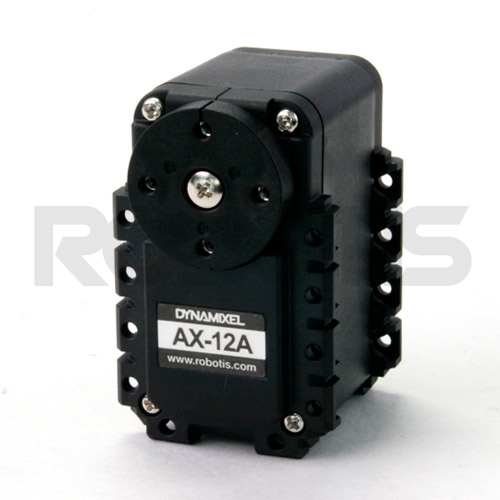
The 1.0 protocol is dedicated to the Dynamixel AX and MX series. Protocol 2.0 is for the X and Dynamixel Pro series. Protocol 2.0 control tables include PID controls which allow for more precise adjustment of the servo motor movements. Protocol 2.0 can be updated on MX series servo motors. You can refer to the protocol 1.0 and protocol 2.0 pages for more informations.
価格の推移
観測日ごとに平均した、1日あたり1つのデータポイント。
USDでの金額
記録されたすべての販売価格を対象に、UTCの日ごとの平均を算出しています。

Robotis
$27.49

Robotis
£18.49
Robotis
40.20 €
Robotis
£38.56

Robotis
£38.55

Robotis
£37.75
Robotis
£36.42

Robotis
$41.06

Robotis
$41.17

Robotis
$44.05
Robotis
36 €

Robotis
£35
🍪 クッキーの設定
パフォーマンスを測定するためにクッキーを使用しています。 プライバシーポリシー