
日ごとの平均価格
USDでの金額
説明
<h1>Robotis - Bioloid STEM Standard</h1> <div class="matrix"> <div class="matrix_item" id="cols2"><p> Exposing students to Robotics is a great way to teach STEM(Science, Technology, Engineering, Math) principals, but putting together the correct hardware, software and curriculum can be a daunting task. That's where the newest BIOLOID kit from ROBOTIS comes in. The BIOLOID STEM Standard Robot Kit is designed as a complete robotic learning experience. The STEM kit has modular hardware, so you can build 7 different pre-designed robots or go on to design your own robot. Combine that with the versatile and easy-to-program CM-530 controller and you'll find yourself building robots in no time! You can easily load pre-programmed behaviors to your robot using the RoboPlus software and even rewrite and load your own custom behaviors! </p></div> <div class="matrix_item" id="cols2"> <p> What really sets this STEM kit apart from other educational kits is the fantastic curriculum guide. These guides are far from a simple assembly manual - the 2 workbooks represent 21 weeks of comprehensive educational training. The STEM kit breaks each chapter into three phases: the Basic Phase, the Application Phase, and the Practical Phase. First, the Basic Phase will introduce students to different robots and robotic features with each to understand analogies, pictures, and examples. The basic phase will finish up with having students assemble the robot with a clear assmebly guide. Next the Application Phase will teach students about programming by explaining the pre-written programming examples step by step. This phase will also explain the math that goes into programming robots. Finally the Practical Phase will give students a chance to solve programming problems on their own, as well as learn about advanced robotic concepts. By the end of each chapter students will have a fully functioning robot running custom code that they have written! </p></div> </div> <div style="width:690px; height:724px"><img src="https://robosavvy.co.uk/RoboSavvyPages/Robotis/STEM/1.jpg" width="690" height="724" /> <div STYLE="position:relative; top:-715px; left:380px; width:290px; htight:0px; border:none; text-align:right">Make a Robot, Make a Difference<br />Optimizad for various robot projects<br />Perfect for various robot competitions</div> <div STYLE="position:relative; top:-595px; left:40px; width:620px; height:0px; border:none">BIOLOID STEM provides an organized learning system by blending <b>S</b>cience, <b>T</b>echnology, <b>E</b>ngineering and <b>M</b>athematics.</div> <div STYLE="position:relative; top:-535px; left:52px; width:600px; height:0px; border:none">STEM Standard consists of 7 example robots and 21 weeks of educational training.<br /> Unlike simple, repetitive program training, STEM Standard explains from the very basic of programming to the advanced scientific principles in details (4 bar linkage mechanism, centrifugal force, centripetal force, sound element, differential gear, steering mechanism, etc), so that it allows you self-directed learning by solving various problems on your own.</div> </div> <div style="width:690px; height:1033px"><img src="https://robosavvy.co.uk/RoboSavvyPages/Robotis/STEM/2.jpg" width="690" height="1033" /> <div STYLE="position:relative; top:-1012px; left:45px; width:400px; htight:0px; border:none; height: 0px;"><b><font size="3" color="#FFFFFF">STEM Standard Example Robot</font></b></div> <div STYLE="position:relative; top:-952px; left:45px; width:400px; htight:0px; border:none; height: 0px;"><b><font size="2">Chapter 1. Robot following orders in sequence</font></b><br /><br /><b>Sequential Command Robot</b><br />- Learn how to execute sequential commands<br />- Learn about Stack and Queue.</div> <div STYLE="position:relative; top:-820px; left:45px; width:400px; htight:0px; border:none; height: 0px;"><b><font size="2">Chapter 2. Bugbot knows how to win the battle</font></b><br /><br /><b>Bug Fighter Robot</b><br />- Learn the structure of 4-bar linkage<br />- Learn 'Force' in science</div> <div STYLE="position:relative; top:-685px; left:45px; width:400px; htight:0px; border:none; height: 0px;"><b><font size="2">Chapter 3. Tumble robot maneuvering rough terrain</font></b><br /><br /><b>Tumbler Robot</b><br />- Learn the principle of caterpillar track<br />- Understand the relation of the pressure and the extent</div> <div STYLE="position:relative; top:-550px; left:45px; width:400px; htight:0px; border:none; height: 0px;"><b><font size="2">Chapter 4. Finding a critical path for robot</font></b><br /><br /><b>Line Follower</b><br />- Learn to calculate the moving distance<br />- Understand centrifugal force and centripetal force</div> <div STYLE="position:relative; top:-415px; left:45px; width:400px; htight:0px; border:none; height: 0px;"><b><font size="2">Chapter 5. Performing music with robot</font></b><br /><br /><b>Digital Piano</b><br />- Learn to calculate the number of possibility<br />- Understand sound elements</div> <div STYLE="position:relative; top:-280px; left:45px; width:400px; htight:0px; border:none; height: 0px;"><b><font size="2">Chapter 6. Motorcycle steering for balance</font></b><br /><br /><b>Motorcycle</b><br />- Understand steering mechanism<br />- Learn the principle of differential gear</div> <div STYLE="position:relative; top:-145px; left:45px; width:400px; htight:0px; border:none; height: 0px;"><b><font size="2">Chapter 7. Smart car avoiding obstacles and cliffs</font></b><br /><br /><b>Avoider</b><br />- Learn to calculate the circumference of a figure<br />- Understand the elements of the robot</div> </div> <div style="width:690px; height:1042px"><img src="https://robosavvy.co.uk/RoboSavvyPages/Robotis/STEM/3.jpg" width="690" height="1042" /> <div STYLE="position:relative; top:-1012px; left:45px; width:600px; htight:0px; border:none; height: 0px;"><b><font size="3" color="#FFFFFF">RoboPlus - Programming software with powerful features</font></b></div> <div STYLE="position:relative; top:-760px; left:30px; width:400px; htight:0px; border:none; height: 0px; font-size:9px">- 3D based Motion Animator to program the action of the robot easily<br />- Motion creation engine with the interpretation of inverse kinematics</font></div> <div STYLE="position:relative; top:-665px; left:30px; width:400px; htight:0px; border:none; height: 0px; font-size:9px">- Visual task programming tool for controlling robots<br />- C Language based</div> <div STYLE="position:relative; top:-570px; left:30px; width:400px; htight:0px; border:none; height: 0px; font-size:9px">- Managing and checking Dynamixel<br />- Update the firmware of controller</div> <div STYLE="position:relative; top:-508px; left:45px; width:400px; htight:0px; border:none; height: 0px;"><b><font size="3" color="#FFFFFF">STEM Training Process</font></b></div> <div STYLE="position:relative; top:-445px; left:145px; width:190px; htight:0px; border:none; height: 0px;"><b>Think about it</b><br />Study the robot's characteristics and maneuvering algorithms in various ways, then find application in real life.</div> <div STYLE="position:relative; top:-445px; left:465px; width:190px; htight:0px; border:none; height: 0px;"><b>Introduce your robot</b><br />Understand the robot's construction and features and understand it's functions.</div> <div STYLE="position:relative; top:-280px; left:145px; width:190px; htight:0px; border:none; height: 0px;"><b>Make your robot</b><br />Parts are illustrated in 3 dimensions for easy assembly</div> <div STYLE="position:relative; top:-280px; left:465px; width:190px; htight:0px; border:none; height: 0px;"><b>Programming</b><br />Learn the Programming structures and commands to write your own program</div> <div STYLE="position:relative; top:-130px; left:145px; width:190px; htight:0px; border:none; height: 0px;"><b>Troubleshooting</b><br />Solve various missions and learn to accomplish them by yourself</div> <div STYLE="position:relative; top:-130px; left:465px; width:190px; htight:0px; border:none; height: 0px;"><b>Problem Solving</b><br />Understand hardware and software features to accomplish missions during competitions</div> </div> <div style="width:690px; height:1946px"><img src="https://robosavvy.co.uk/RoboSavvyPages/Robotis/STEM/4.jpg" width="690" height="1946" /> <div STYLE="position:relative; top:-1941px; left:45px; width:600px; htight:0px; border:none; height: 0px;"><b><font size="3" color="#FFFFFF">STEM Standard Parts List</font></b></div> </div> Robotis - Bioloid STEM Standard STEM Standard consists of 7 example robots and 21 weeks of educational training. Unlike simple, repetitive program training, STEM Standard explains from the very basic of programming to the advanced scientific principles in details (4 bar linkage mechanism, centrifugal force, centripetal force, sound element, differential gear, steering mechanism, etc), so that it allows you self-directed learning by solving various problems on your own.
<h1>Robotis - Bioloid STEM Standard</h1> <div class="matrix"> <div class="matrix_item" id="cols2"><p> Exposing students to Robotics is a great way to teach STEM(Science, Technology, Engineering, Math) principals, but putting together the correct hardware, software and curriculum can be a daunting task. That's where the newest BIOLOID kit from ROBOTIS comes in. The BIOLOID STEM Standard Robot Kit is designed as a complete robotic learning experience. The STEM kit has modular hardware, so you can build 7 different pre-designed robots or go on to design your own robot. Combine that with the versatile and easy-to-program CM-530 controller and you'll find yourself building robots in no time! You can easily load pre-programmed behaviors to your robot using the RoboPlus software and even rewrite and load your own custom behaviors! </p></div> <div class="matrix_item" id="cols2"> <p> What really sets this STEM kit apart from other educational kits is the fantastic curriculum guide. These guides are far from a simple assembly manual - the 2 workbooks represent 21 weeks of comprehensive educational training. The STEM kit breaks each chapter into three phases: the Basic Phase, the Application Phase, and the Practical Phase. First, the Basic Phase will introduce students to different robots and robotic features with each to understand analogies, pictures, and examples. The basic phase will finish up with having students assemble the robot with a clear assmebly guide. Next the Application Phase will teach students about programming by explaining the pre-written programming examples step by step. This phase will also explain the math that goes into programming robots. Finally the Practical Phase will give students a chance to solve programming problems on their own, as well as learn about advanced robotic concepts. By the end of each chapter students will have a fully functioning robot running custom code that they have written! </p></div> </div> <div style="width:690px; height:724px"><img src="https://robosavvy.co.uk/RoboSavvyPages/Robotis/STEM/1.jpg" width="690" height="724" /> <div STYLE="position:relative; top:-715px; left:380px; width:290px; htight:0px; border:none; text-align:right">Make a Robot, Make a Difference<br />Optimizad for various robot projects<br />Perfect for various robot competitions</div> <div STYLE="position:relative; top:-595px; left:40px; width:620px; height:0px; border:none">BIOLOID STEM provides an organized learning system by blending <b>S</b>cience, <b>T</b>echnology, <b>E</b>ngineering and <b>M</b>athematics.</div> <div STYLE="position:relative; top:-535px; left:52px; width:600px; height:0px; border:none">STEM Standard consists of 7 example robots and 21 weeks of educational training.<br /> Unlike simple, repetitive program training, STEM Standard explains from the very basic of programming to the advanced scientific principles in details (4 bar linkage mechanism, centrifugal force, centripetal force, sound element, differential gear, steering mechanism, etc), so that it allows you self-directed learning by solving various problems on your own.</div> </div> <div style="width:690px; height:1033px"><img src="https://robosavvy.co.uk/RoboSavvyPages/Robotis/STEM/2.jpg" width="690" height="1033" /> <div STYLE="position:relative; top:-1012px; left:45px; width:400px; htight:0px; border:none; height: 0px;"><b><font size="3" color="#FFFFFF">STEM Standard Example Robot</font></b></div> <div STYLE="position:relative; top:-952px; left:45px; width:400px; htight:0px; border:none; height: 0px;"><b><font size="2">Chapter 1. Robot following orders in sequence</font></b><br /><br /><b>Sequential Command Robot</b><br />- Learn how to execute sequential commands<br />- Learn about Stack and Queue.</div> <div STYLE="position:relative; top:-820px; left:45px; width:400px; htight:0px; border:none; height: 0px;"><b><font size="2">Chapter 2. Bugbot knows how to win the battle</font></b><br /><br /><b>Bug Fighter Robot</b><br />- Learn the structure of 4-bar linkage<br />- Learn 'Force' in science</div> <div STYLE="position:relative; top:-685px; left:45px; width:400px; htight:0px; border:none; height: 0px;"><b><font size="2">Chapter 3. Tumble robot maneuvering rough terrain</font></b><br /><br /><b>Tumbler Robot</b><br />- Learn the principle of caterpillar track<br />- Understand the relation of the pressure and the extent</div> <div STYLE="position:relative; top:-550px; left:45px; width:400px; htight:0px; border:none; height: 0px;"><b><font size="2">Chapter 4. Finding a critical path for robot</font></b><br /><br /><b>Line Follower</b><br />- Learn to calculate the moving distance<br />- Understand centrifugal force and centripetal force</div> <div STYLE="position:relative; top:-415px; left:45px; width:400px; htight:0px; border:none; height: 0px;"><b><font size="2">Chapter 5. Performing music with robot</font></b><br /><br /><b>Digital Piano</b><br />- Learn to calculate the number of possibility<br />- Understand sound elements</div> <div STYLE="position:relative; top:-280px; left:45px; width:400px; htight:0px; border:none; height: 0px;"><b><font size="2">Chapter 6. Motorcycle steering for balance</font></b><br /><br /><b>Motorcycle</b><br />- Understand steering mechanism<br />- Learn the principle of differential gear</div> <div STYLE="position:relative; top:-145px; left:45px; width:400px; htight:0px; border:none; height: 0px;"><b><font size="2">Chapter 7. Smart car avoiding obstacles and cliffs</font></b><br /><br /><b>Avoider</b><br />- Learn to calculate the circumference of a figure<br />- Understand the elements of the robot</div> </div> <div style="width:690px; height:1042px"><img src="https://robosavvy.co.uk/RoboSavvyPages/Robotis/STEM/3.jpg" width="690" height="1042" /> <div STYLE="position:relative; top:-1012px; left:45px; width:600px; htight:0px; border:none; height: 0px;"><b><font size="3" color="#FFFFFF">RoboPlus - Programming software with powerful features</font></b></div> <div STYLE="position:relative; top:-760px; left:30px; width:400px; htight:0px; border:none; height: 0px; font-size:9px">- 3D based Motion Animator to program the action of the robot easily<br />- Motion creation engine with the interpretation of inverse kinematics</font></div> <div STYLE="position:relative; top:-665px; left:30px; width:400px; htight:0px; border:none; height: 0px; font-size:9px">- Visual task programming tool for controlling robots<br />- C Language based</div> <div STYLE="position:relative; top:-570px; left:30px; width:400px; htight:0px; border:none; height: 0px; font-size:9px">- Managing and checking Dynamixel<br />- Update the firmware of controller</div> <div STYLE="position:relative; top:-508px; left:45px; width:400px; htight:0px; border:none; height: 0px;"><b><font size="3" color="#FFFFFF">STEM Training Process</font></b></div> <div STYLE="position:relative; top:-445px; left:145px; width:190px; htight:0px; border:none; height: 0px;"><b>Think about it</b><br />Study the robot's characteristics and maneuvering algorithms in various ways, then find application in real life.</div> <div STYLE="position:relative; top:-445px; left:465px; width:190px; htight:0px; border:none; height: 0px;"><b>Introduce your robot</b><br />Understand the robot's construction and features and understand it's functions.</div> <div STYLE="position:relative; top:-280px; left:145px; width:190px; htight:0px; border:none; height: 0px;"><b>Make your robot</b><br />Parts are illustrated in 3 dimensions for easy assembly</div> <div STYLE="position:relative; top:-280px; left:465px; width:190px; htight:0px; border:none; height: 0px;"><b>Programming</b><br />Learn the Programming structures and commands to write your own program</div> <div STYLE="position:relative; top:-130px; left:145px; width:190px; htight:0px; border:none; height: 0px;"><b>Troubleshooting</b><br />Solve various missions and learn to accomplish them by yourself</div> <div STYLE="position:relative; top:-130px; left:465px; width:190px; htight:0px; border:none; height: 0px;"><b>Problem Solving</b><br />Understand hardware and software features to accomplish missions during competitions</div> </div> <div style="width:690px; height:1946px"><img src="https://robosavvy.co.uk/RoboSavvyPages/Robotis/STEM/4.jpg" width="690" height="1946" /> <div STYLE="position:relative; top:-1941px; left:45px; width:600px; htight:0px; border:none; height: 0px;"><b><font size="3" color="#FFFFFF">STEM Standard Parts List</font></b></div> </div>
価格の推移
観測日ごとに平均した、1日あたり1つのデータポイント。
USDでの金額
記録されたすべての販売価格を対象に、UTCの日ごとの平均を算出しています。
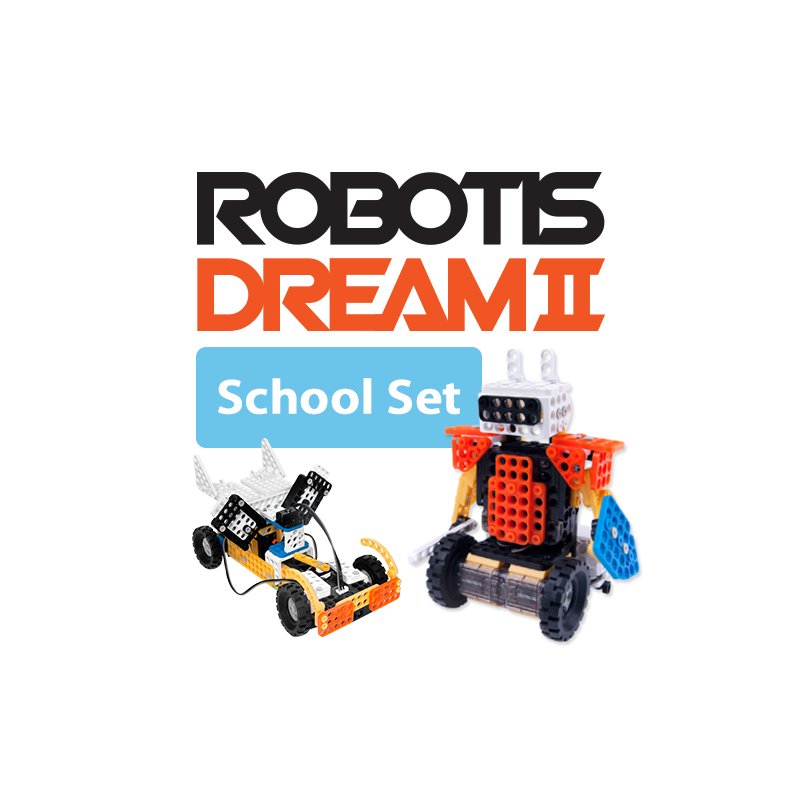
Robotis
304.95 €
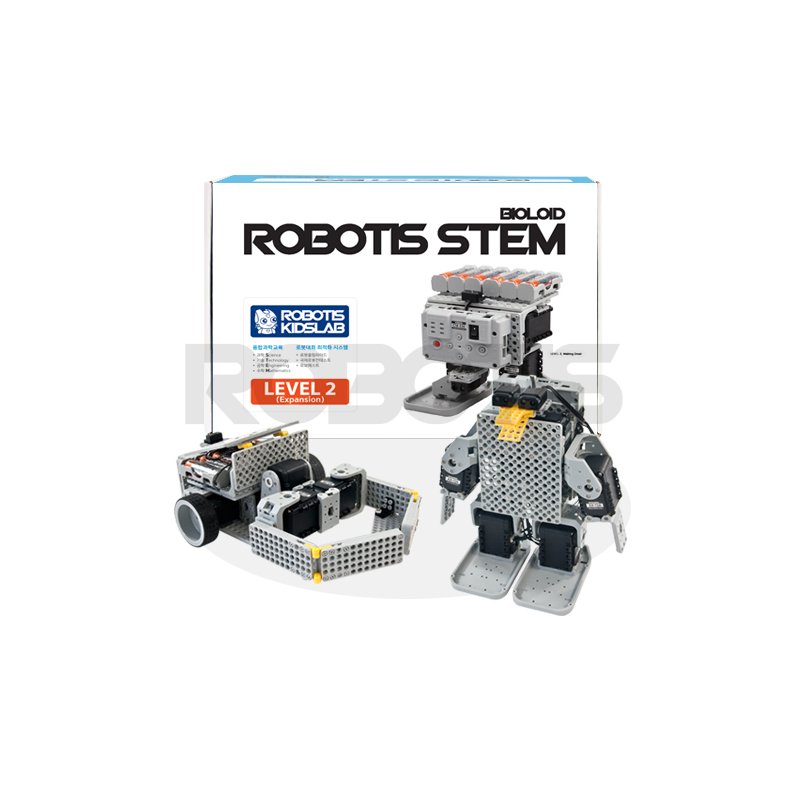
Robotis
327.95 €

Robotis
$310.39

Robotis
£219.17

Robotis
£265.61

Robotis
£216.08

Robotis
$399

Robotis
$275.89

Robotis
$343.85
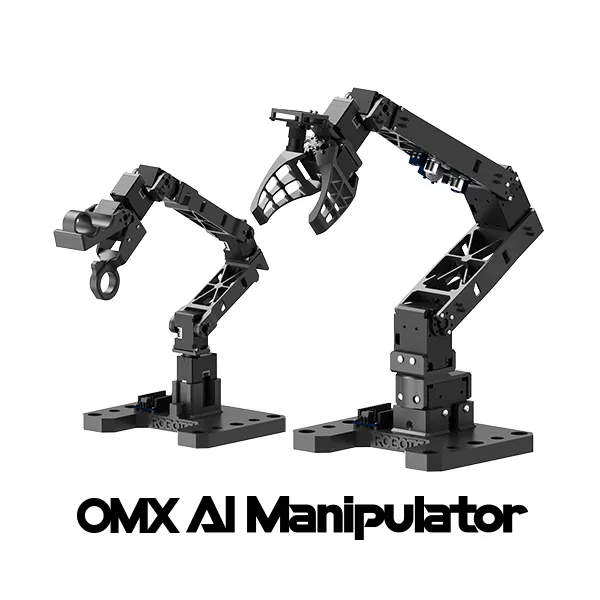
Robotis
444 €
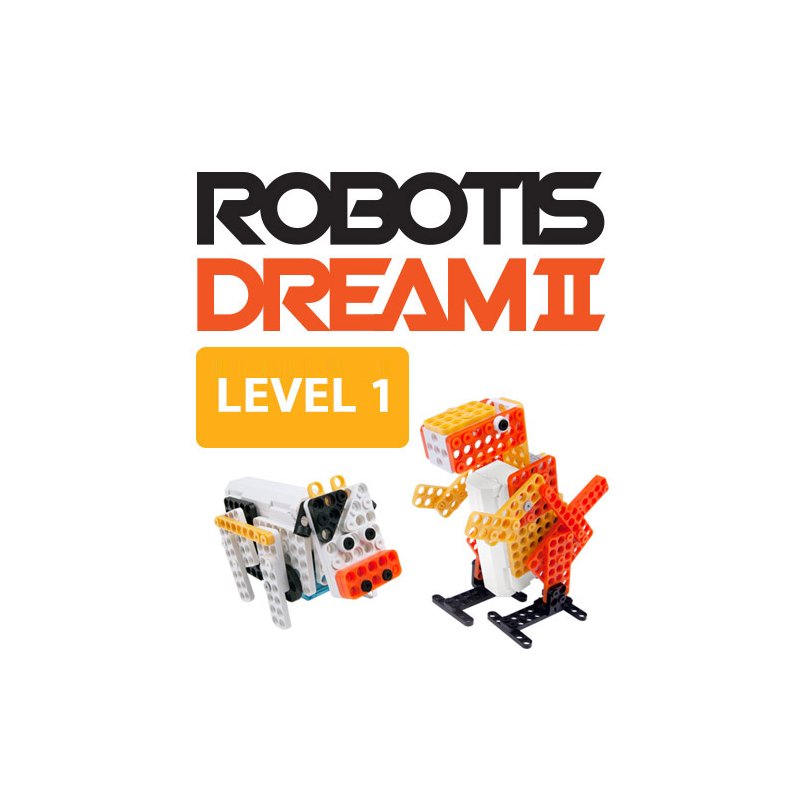
Robotis
157.95 €
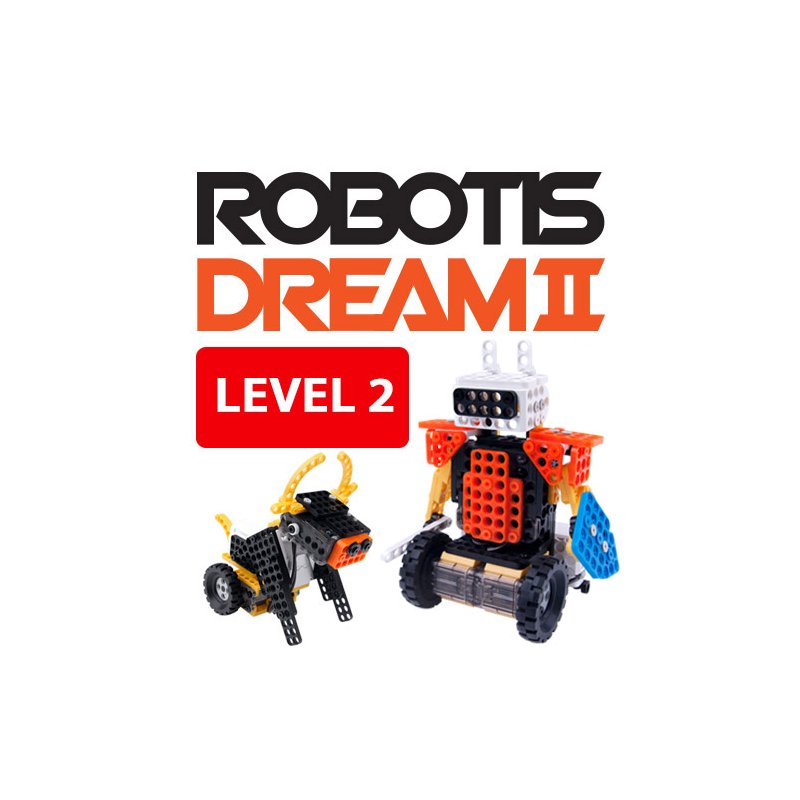
Robotis
157.95 €
🍪 クッキーの設定
パフォーマンスを測定するためにクッキーを使用しています。 プライバシーポリシー